Your music, your notes, your covers.

Crate is a music player for Windows built around albums and artists, the way you think about your music. Tag it, annotate it, and give it the covers it deserves.

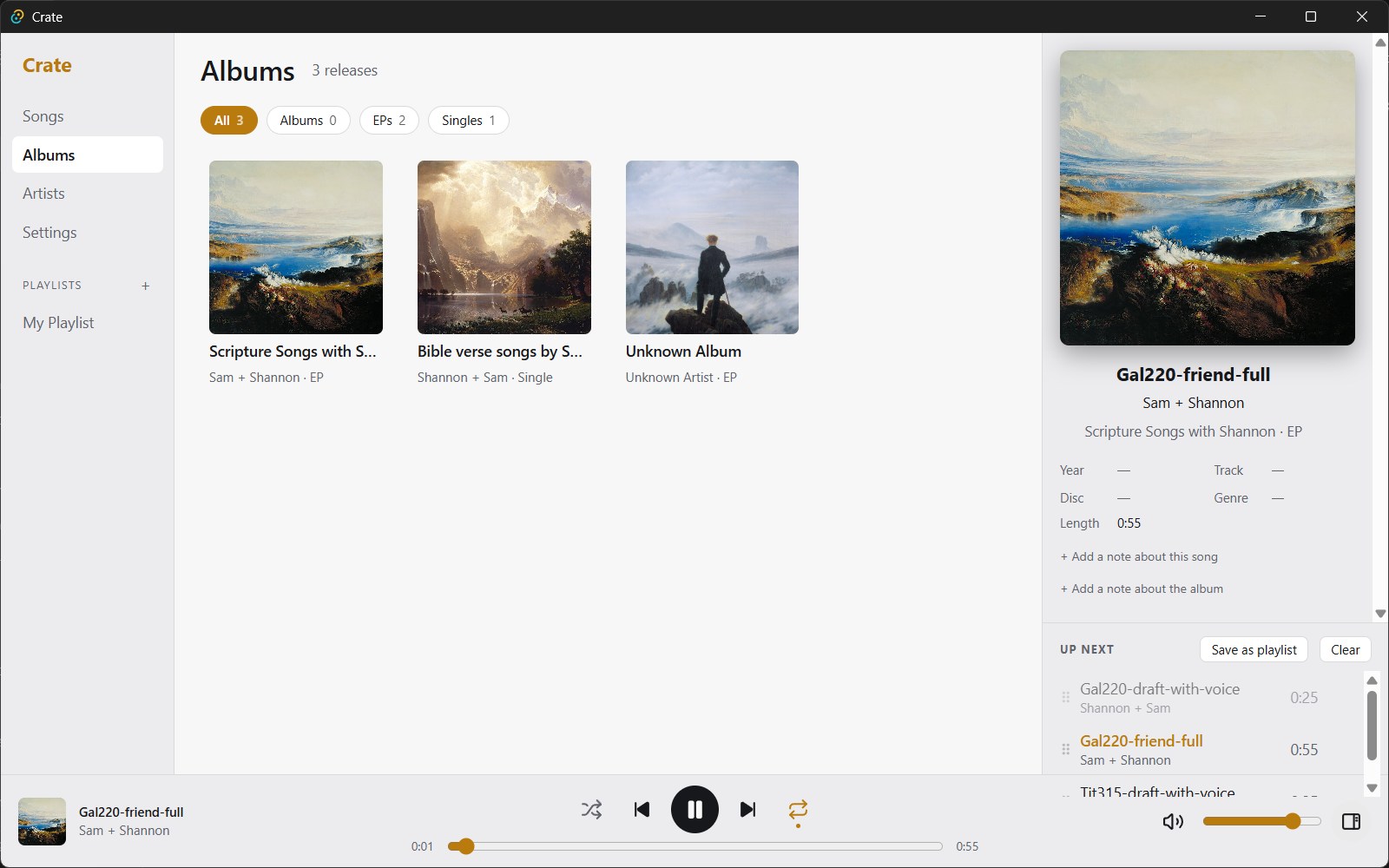
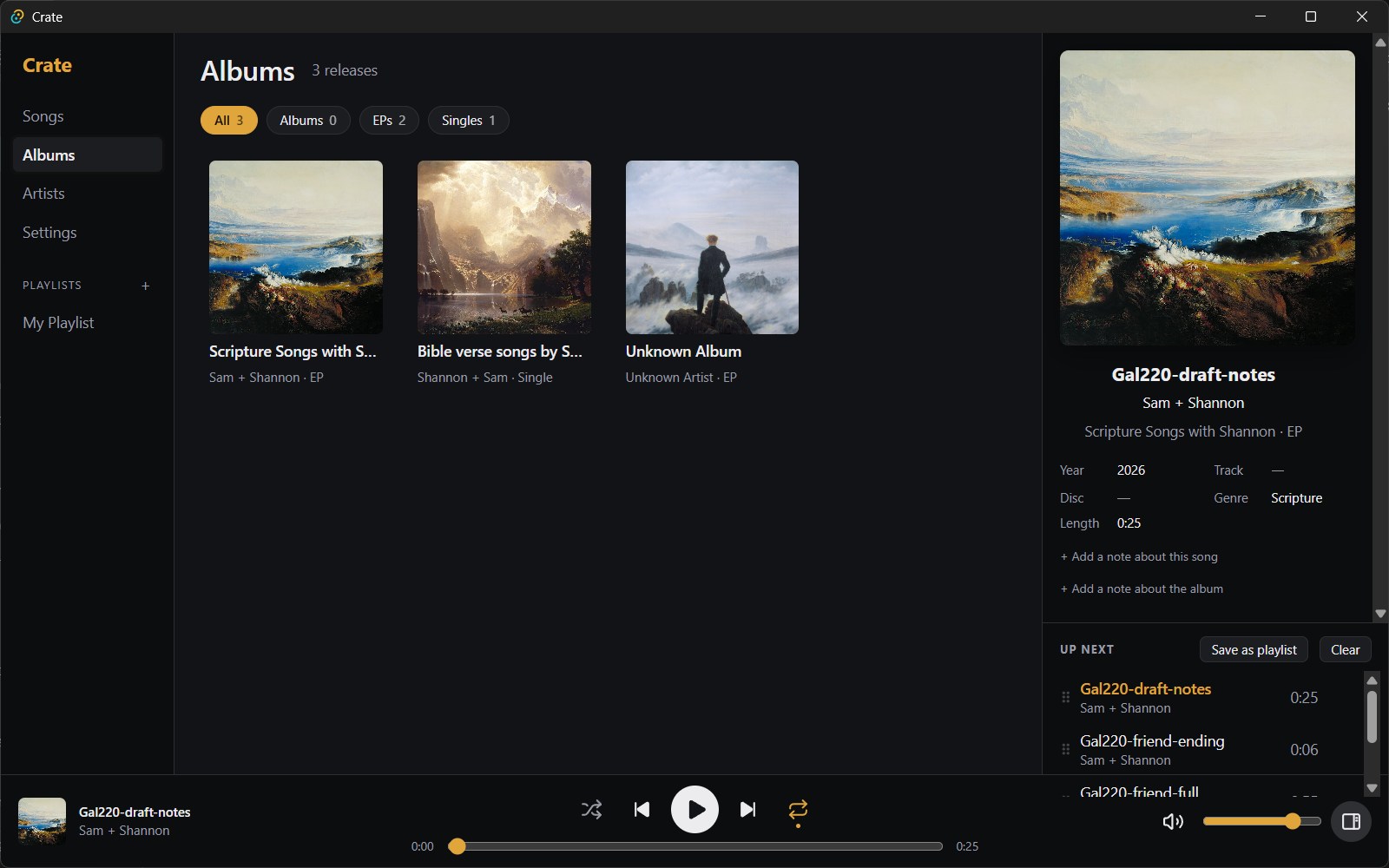
Crate's Albums view: a grid of album covers, with the playing song's cover large in a panel on the right and the play controls along the bottom.

Albums first

Every release is an album, EP or single, worked out from its length and number of songs, and you can change it. Filter by type, and see an artist's albums, EPs and singles grouped on their page.

  • Album pages with your own description
  • Swap in any cover you like, or give a single song its own (great for singles released before the album)
  • Drag songs to reorder an album; the new track numbers are saved to the files
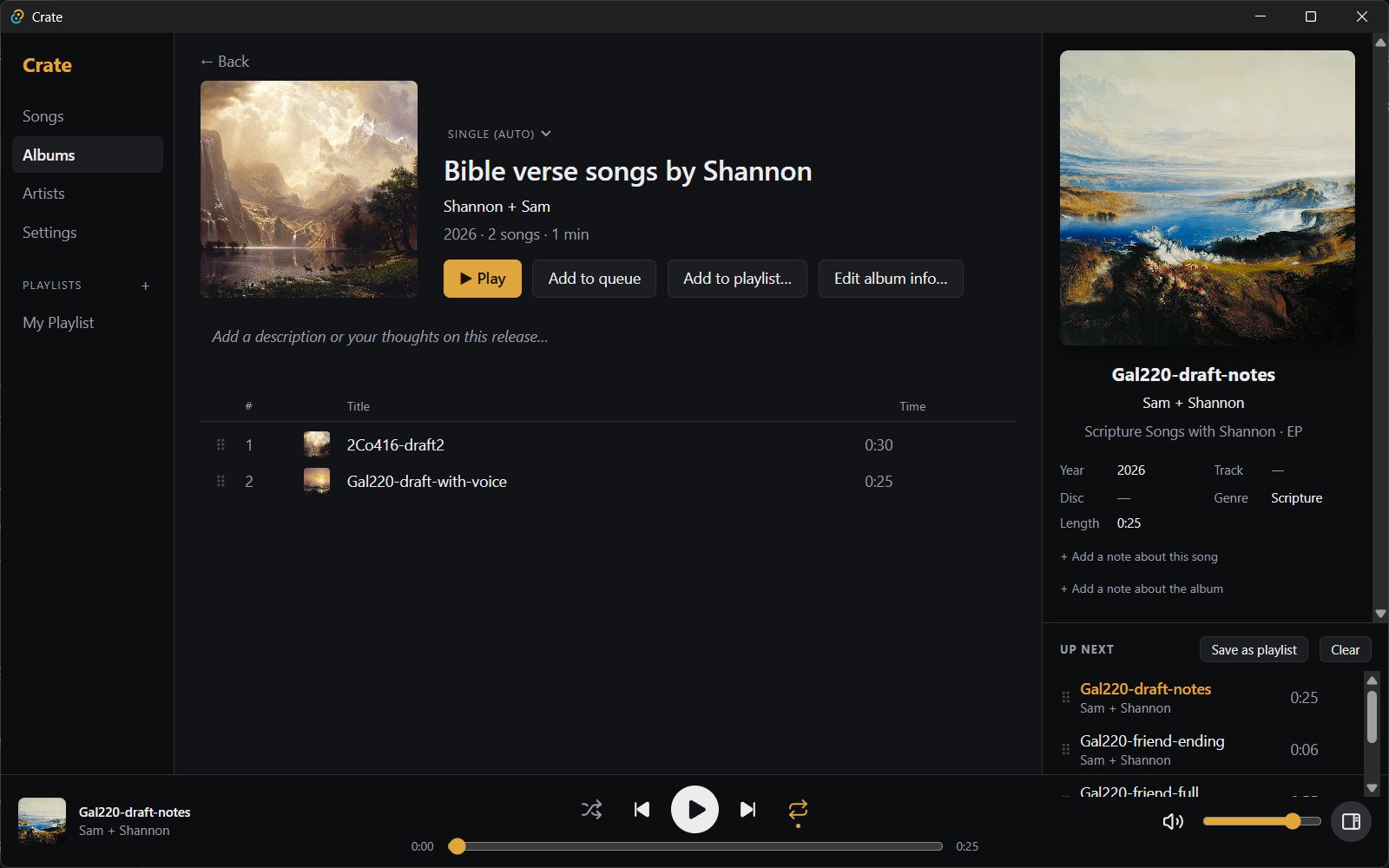
An album page: large cover, title, artist, release type, Play, Add to queue, Add to playlist and Edit album info buttons, and the track list.

Fix a whole album's tags at once

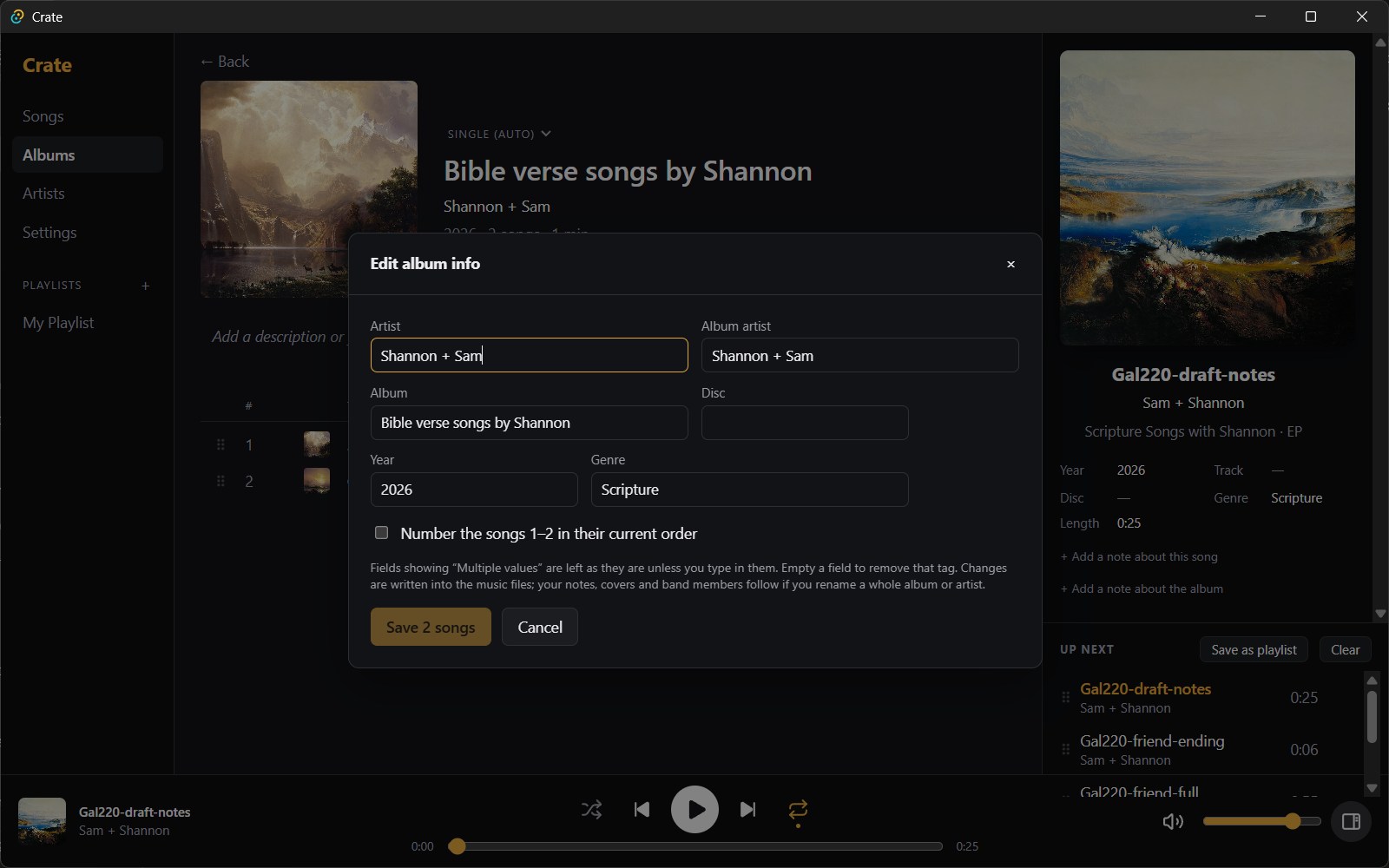
Select songs with Ctrl- or Shift-click and edit their tags together. Fields that differ are left alone unless you type in them, and you can number the songs 1, 2, 3… in one go.

  • Tags are written into the music files, so every other player sees them too
  • Rename an album or artist and your notes, covers and band members follow
  • Or edit one field in place: hover any detail in the Now playing panel and click the pencil
The Edit album info dialog with fields for artist, album artist, album, disc, year and genre, and an option to number the songs.

Everything is a right-click away

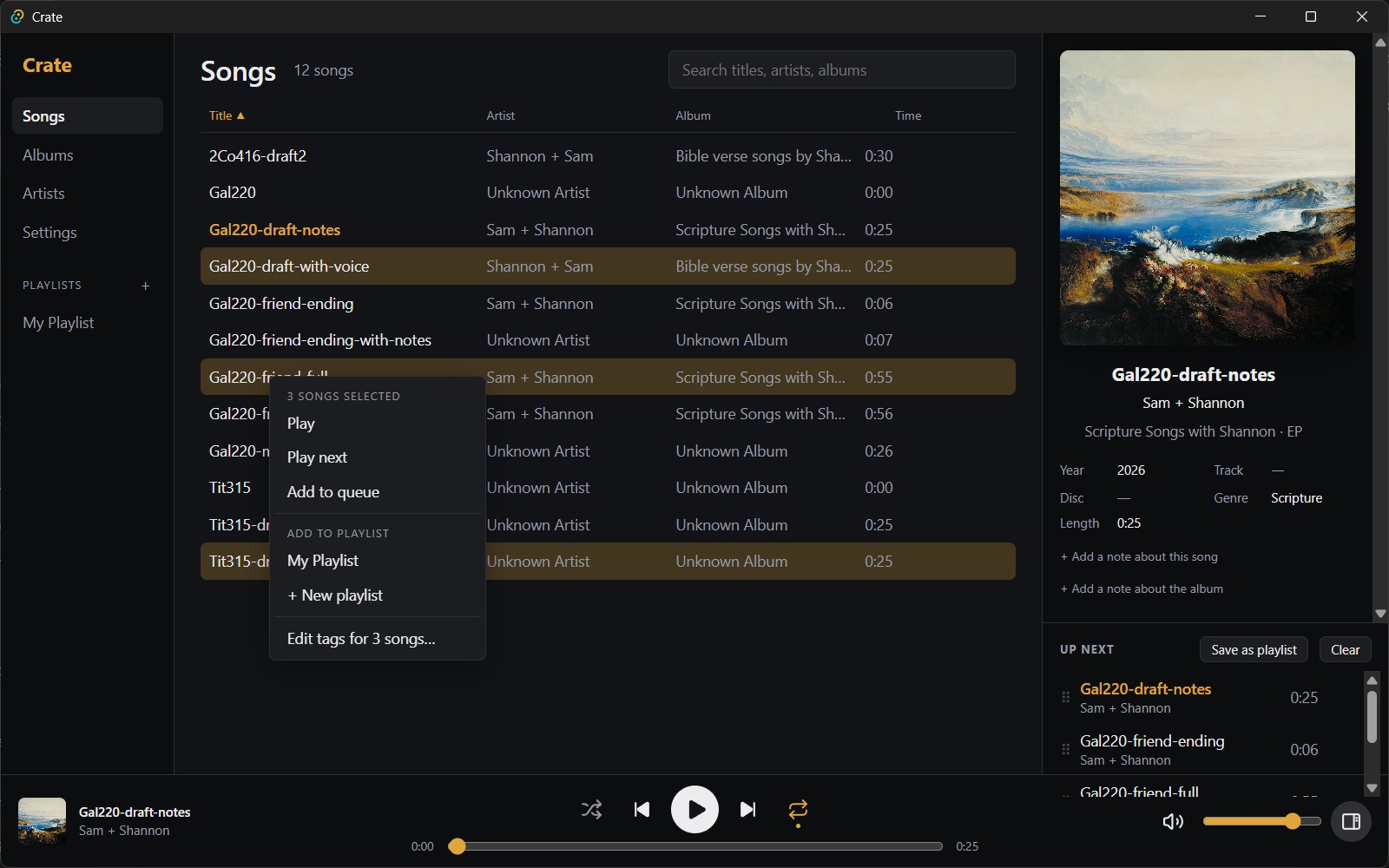
Click a song to select it, then press Play. Right-click for Play next, Add to queue, Add to playlist, song details and tag editing. With several songs selected, it all applies to every one of them.

  • Sort the song list by title, artist, album or length
  • Search as you type across titles, artists and albums
  • Keyboard friendly: arrows, Enter, Space, Ctrl+A
The Songs list sorted by title with three songs selected and a right-click menu reading 3 songs selected, with Play, Play next, Add to queue, Add to playlist and Edit tags for 3 songs.

Artists, with the people behind them

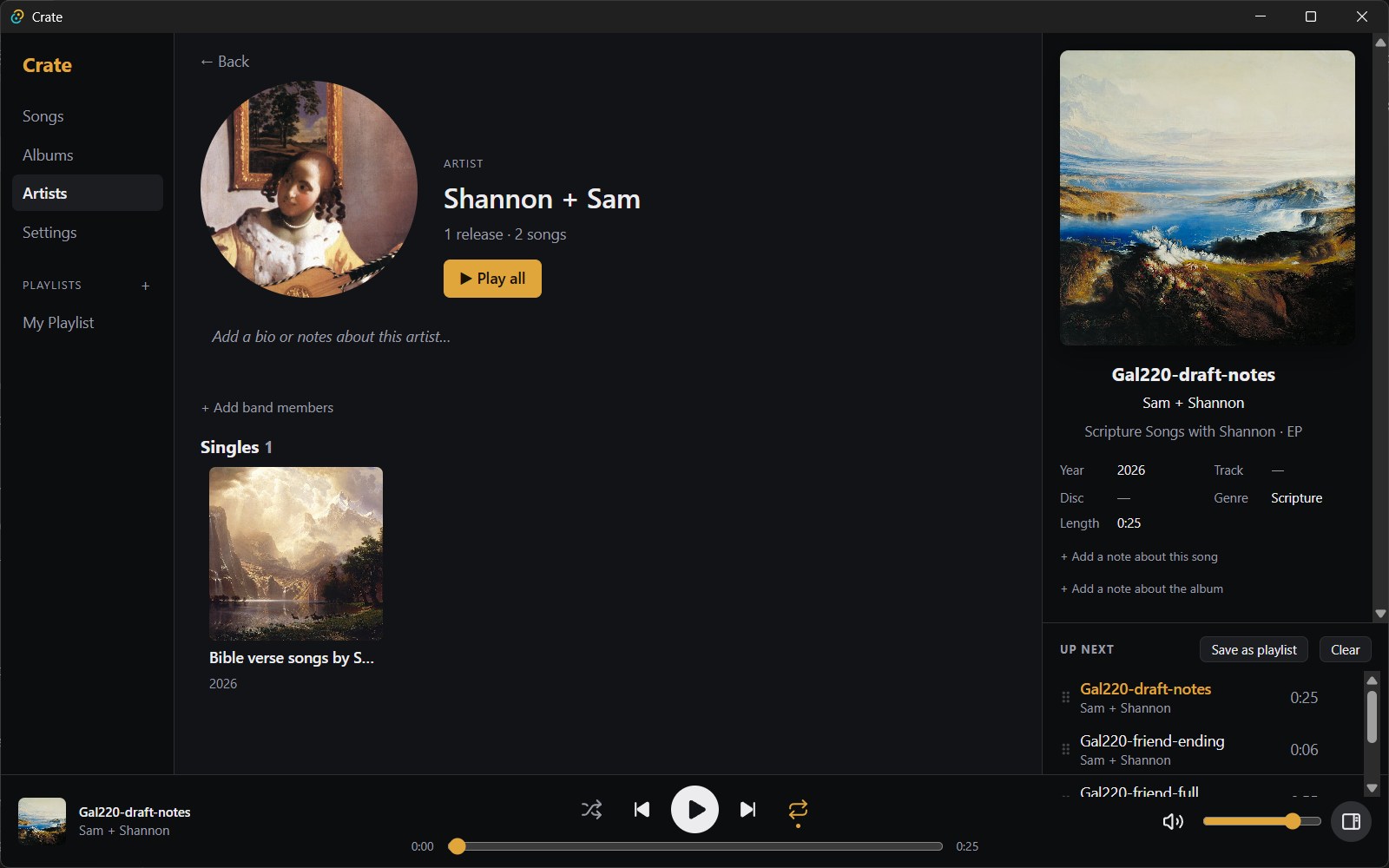
Give artists a photo and a bio, and list band members with their roles and years. Each member gets their own page, even with no solo music, and links back to their bands.

An artist page with a round artist image, Play all, a bio box, an Add band members link and the artist's releases grouped as Singles.

Playlists that are quick to build

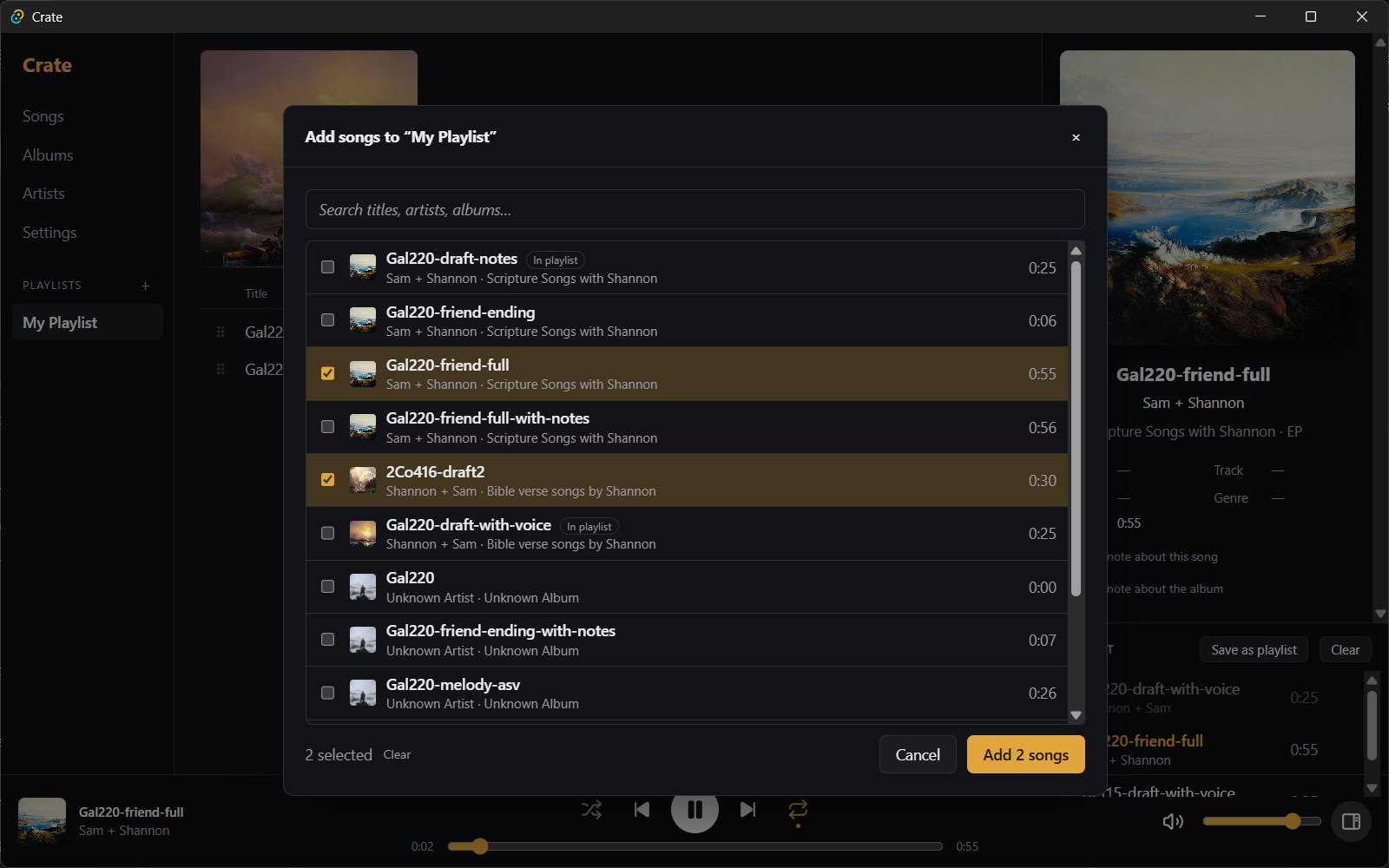
Search your library, tick the songs you want across as many searches as you like, and add them in one go. Drag to reorder, save the queue as a playlist, and repeats are allowed.

The Add songs dialog over a playlist: a search box and a list of songs with checkboxes, two ticked, and an Add 2 songs button.

Make it yours

Choose a built-in skin, or make your own: pick the colours, fonts and corner roundness, and set any image as a background. Share skins as files with friends.

The Albums view in the Crate Light skin.
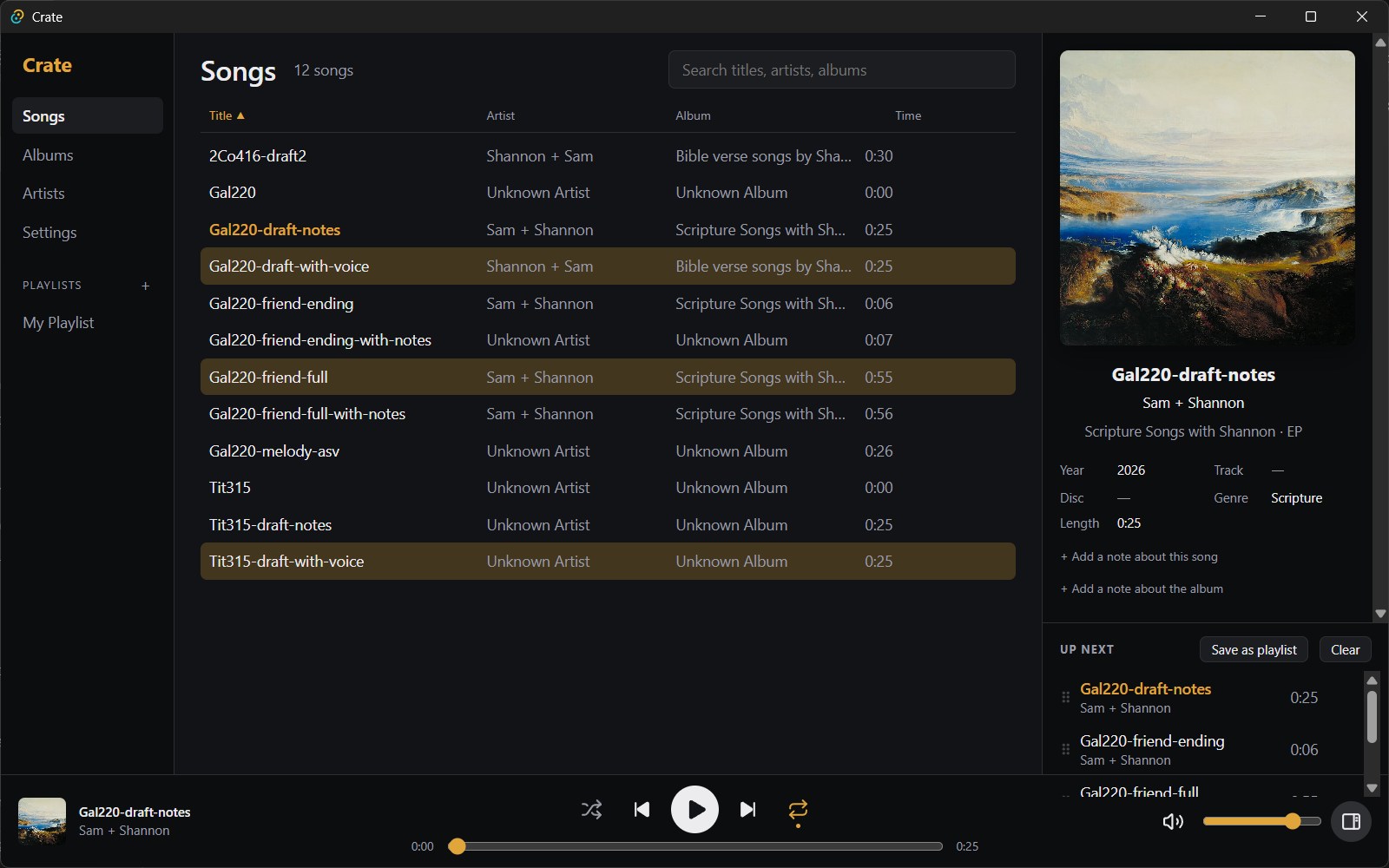
The Songs view in the Crate Dark skin with three songs selected.

Everything else you'd expect, and a few things you wouldn't

Get Crate

Crate is free, for Windows 10 and 11.

Download for Windows All releases

On the release page, download the file ending in _x64-setup.exe and run it. It installs for your Windows account, so no administrator rights are needed. Crate is in early development and the installer isn't signed yet, so Windows may show "Windows protected your PC": click More info, then Run anyway.